 Quick Graph
Type an equation. See it drawn.
Quick Graph is a graphing calculator for iPhone and iPad. It draws curves and surfaces, in 2D and 3D, from what you write.
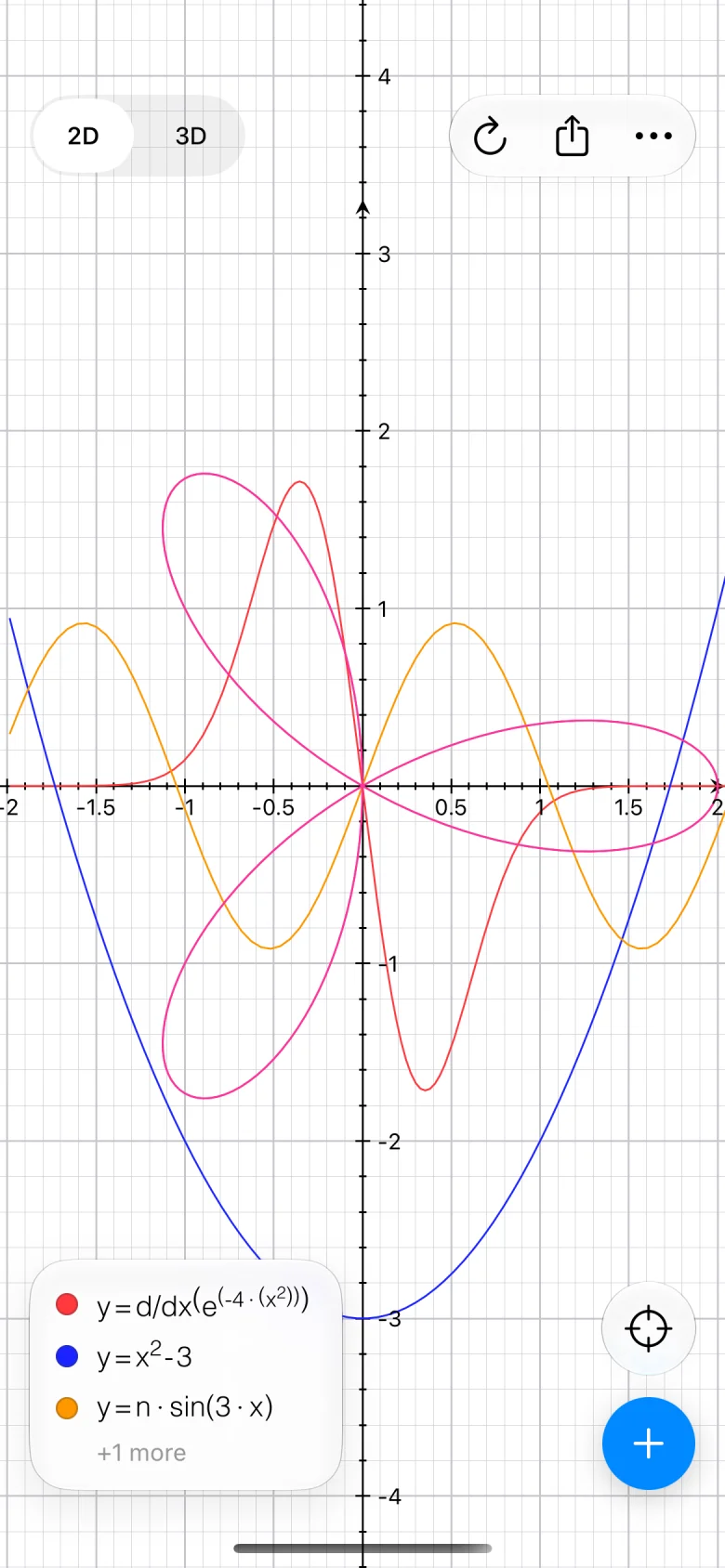
The coordinate system comes from the equation
Write y in terms of x and you get a cartesian curve. Write r in terms of Θ and it switches to polar. There is no mode to pick. Tap one to draw it at the top.
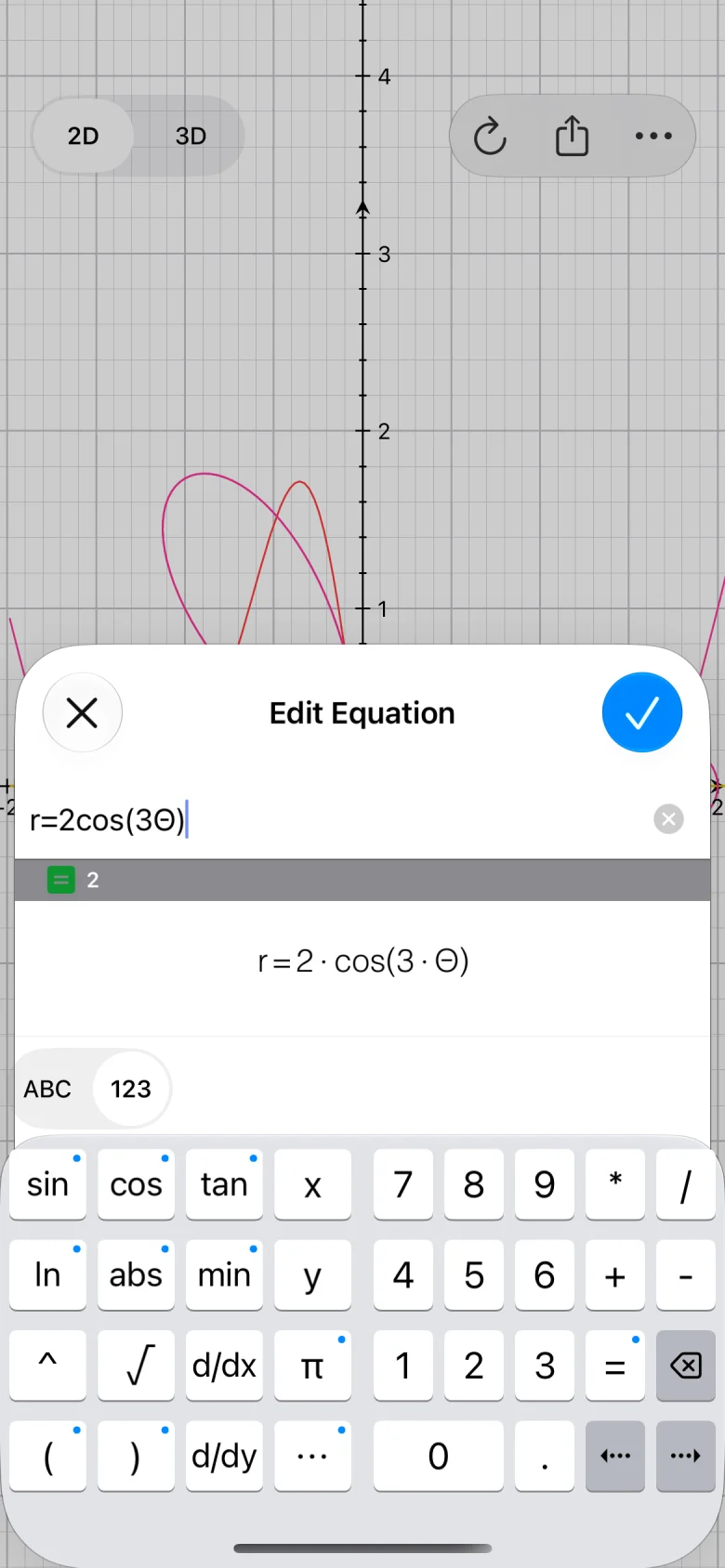
A keyboard that speaks math
Functions, powers and roots are one tap away. Touch and hold a key for the ones behind it: sin opens asin, sinh, csc and csch.
While you type, the equation appears the way you would write it on paper, and the line under it tells you its value or what is missing.
r = 2 · cos(3Θ)
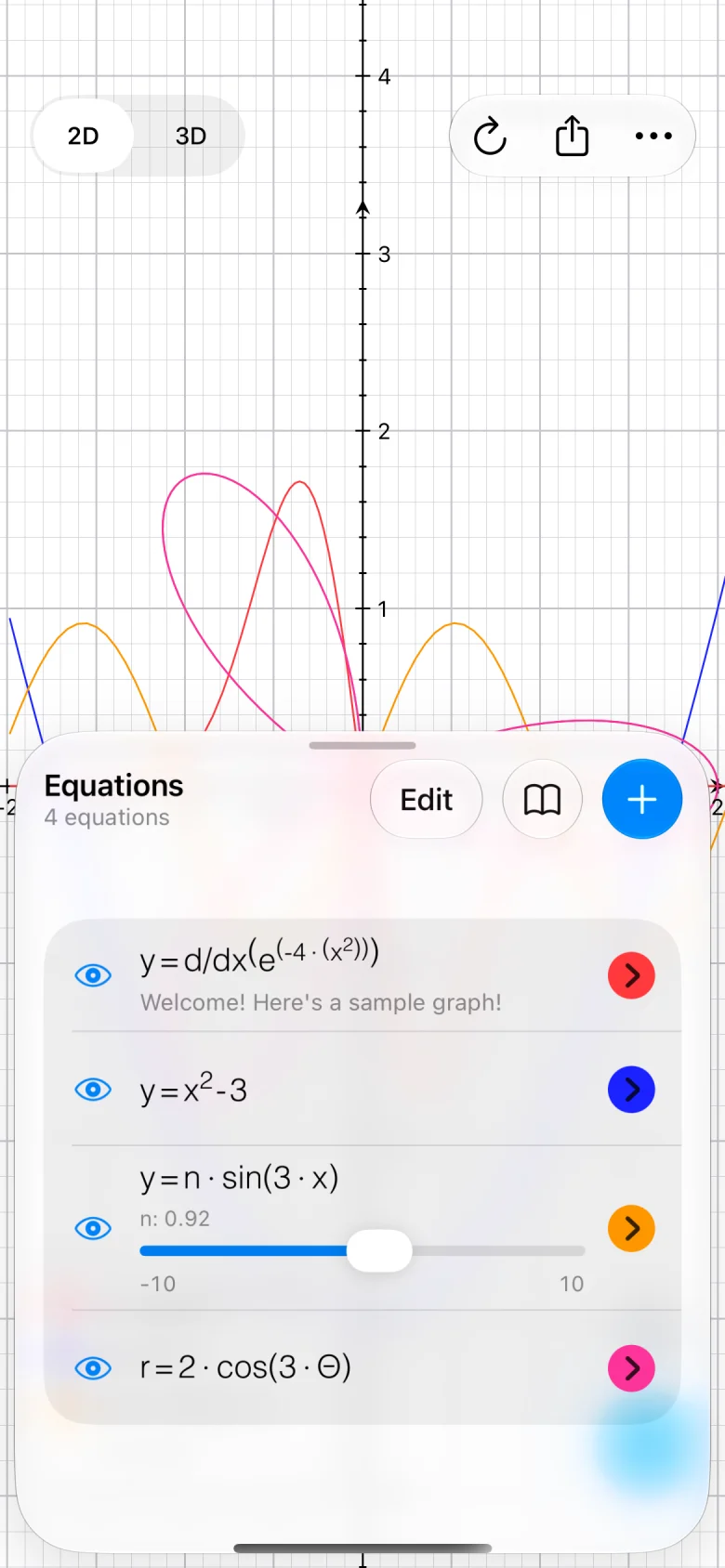
Every equation stays in reach
The list slides up from the bottom and the graph keeps working above it. Hide a curve, change its color, or drag the slider for n and watch it move.
Six graphs at a time are free.
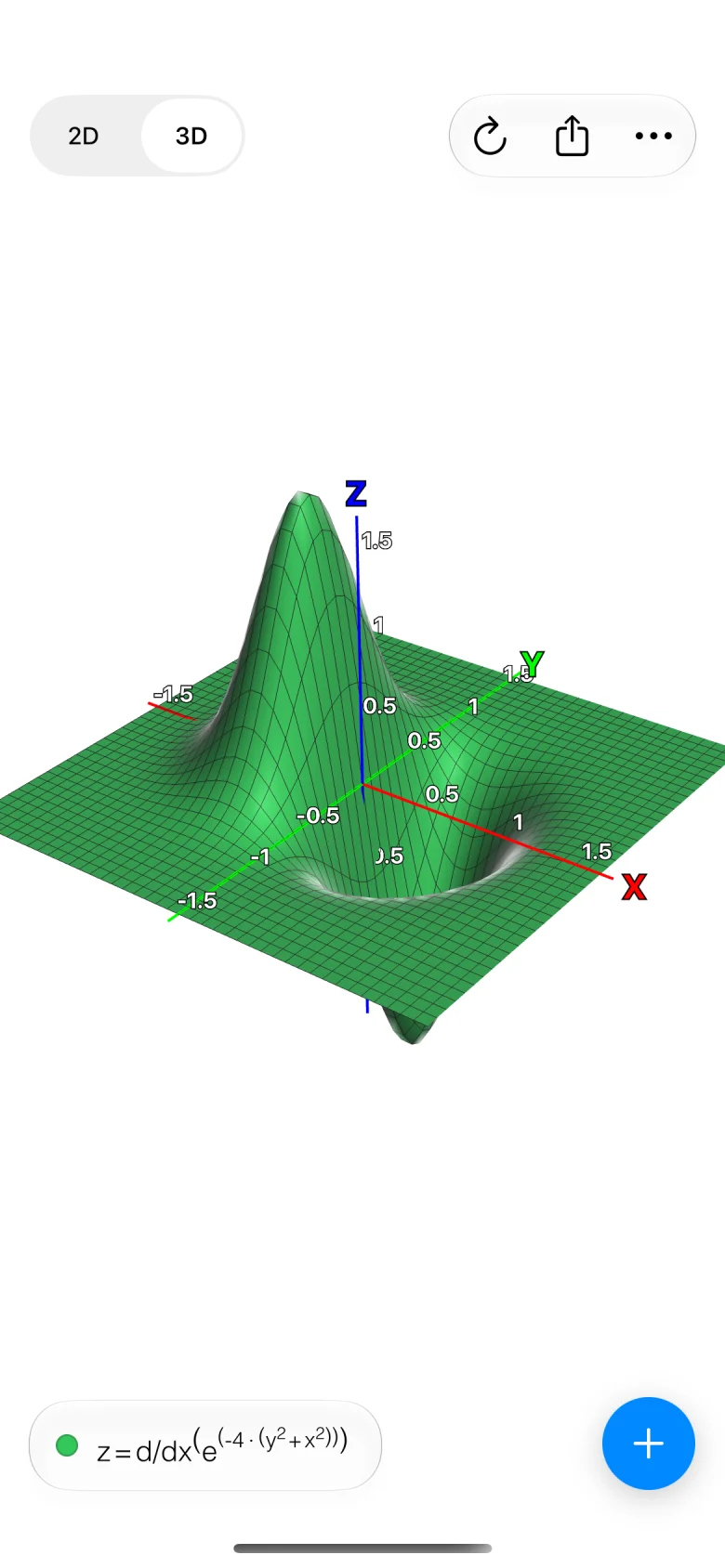
Add a z and it becomes a surface
Cartesian, cylindrical and spherical equations, drawn as solid or wireframe surfaces you turn and zoom with your fingers.
Implicit surfaces such as x² + y² + z² = 4, and inequalities, are part of Advanced Features.
z = sin(x) · cos(y)
Free, with an upgrade for the advanced tools
Everything you need to enter equations and see them is free. Advanced Features is an in-app purchase that adds the rest.
Free
- 2D graphs in cartesian and polar coordinates
- 3D graphs in cartesian, cylindrical and spherical coordinates
- Up to six graphs at a time
- A keyboard made for equations, with symbolic derivatives
- A library of equations you can add your own to
- Color, line style, title and notes for each graph
- Sharing a graph as an image and as text
Advanced Features
- Implicit equations and inequalities, in 2D and 3D
- A variable n with a slider, to see a curve change as it moves
- Tracing along 2D curves
- Roots, extrema and intersections
- A table of values
- Axis settings: units of π, the polar range, stretching one axis
- An external display
- As many graphs as you want
“The app you need to survive the next semester.”Gizmodo